
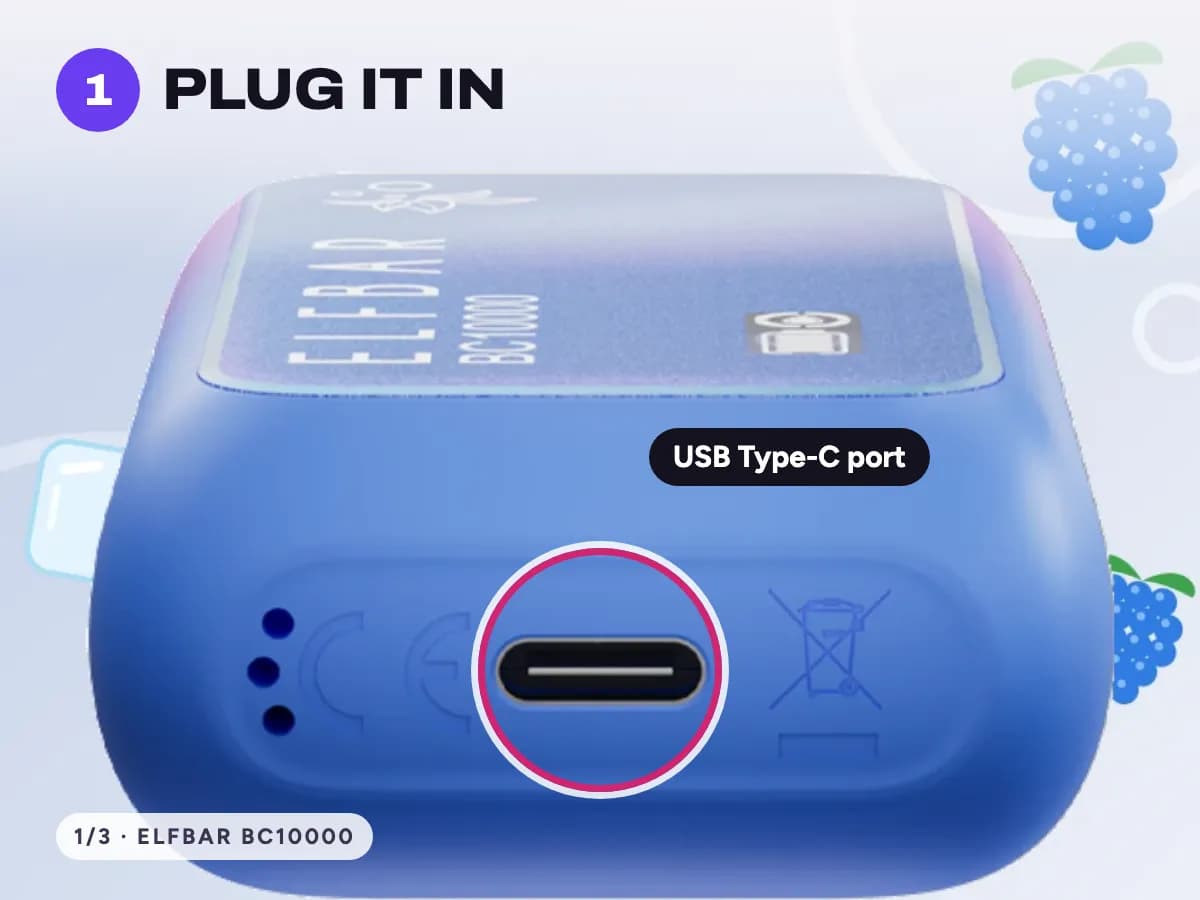
To charge an ELFBAR, plug a USB Type-C cable into the port on the base and connect it to a USB power source. Most rechargeable models take about an hour, and the light changes or turns off when the battery is full. Two devices we sell can't be charged at all: the ELFBAR EP8000 and the EW9000 pod on its own.
This guide covers which models charge, how to do it step by step, and how to charge safely.
Which ELFBAR models can you charge?
Every rechargeable ELFBAR we sell charges over USB Type-C. That includes:
- The ELFBAR BC10000, with a 620 mAh battery
- The ELFBAR Raya D3 25000 and the ELFBAR Raya D3 Pro 30000
- The ELFBAR Ice King 30000, with an 850 mAh battery
- The ELFBAR Trio 40K
- The ELFBAR Pi9000, ELFBAR TE6000 and ELFBAR BC5000
Two can't be charged. The ELFBAR EP8000 runs on a 1500 mAh battery with no charging port, and its light doubles as a battery indicator. The ELFBAR EW9000 prefilled pod has its own 200 mAh battery, which isn't rechargeable either. If you have the EW9000 battery device, that part does charge: ELFBAR says the charging port is at the bottom of the charging device.
We don't list a charging spec for the FS18000 or the ELFBAR 3500, so check the device for a port before you look for a cable.
How to charge it, step by step
- Find the USB Type-C port. On the BC10000 it's on the base, at the opposite end from the mouthpiece.
- Use a USB-C cable that fits snugly. ELFBAR's own advice is simply to use a USB-C charger for rechargeable models.
- Connect the other end to a wall adapter, a laptop or a power bank.
- Leave it on a hard, flat surface away from heat while it charges.
- Unplug it once the light changes or turns off, or the screen shows a full battery.
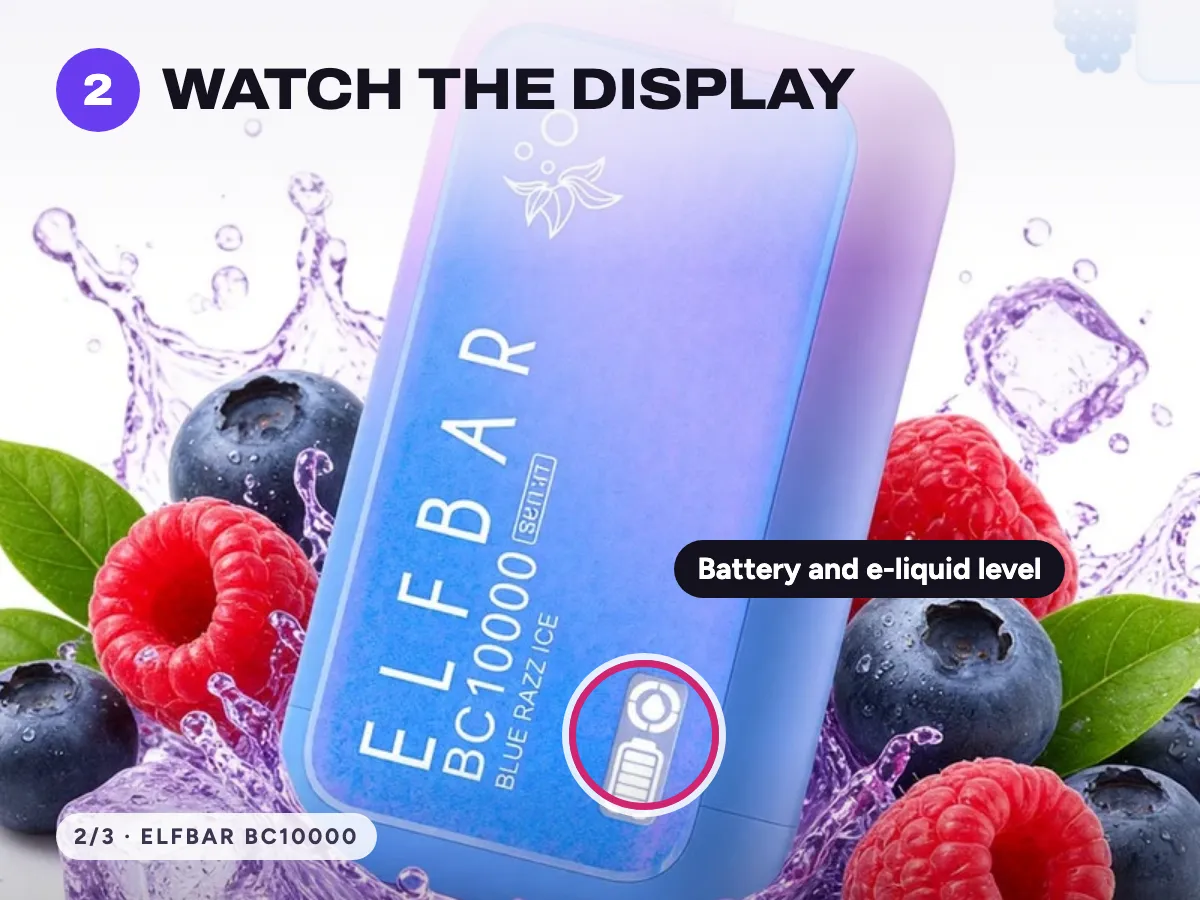
Step 2: On models with a screen, such as the BC10000, the display shows the battery and e-liquid levels.
How long does an ELFBAR take to charge?
About an hour for most rechargeable models. ELFBAR doesn't publish an exact charging time on its FAQ or product pages, so treat the hour as a guide, not a rule. A nearly flat battery takes longer than one that's half full, and a weak USB port on an old laptop can slow things down.
You don't need to wait for a full charge to vape. A short top-up is fine if you're heading out. What you can't do is charge your way past an empty tank. ELFBAR's FAQ says the BC10000 can be recharged if the battery is depleted but still contains e-liquid. Once the e-liquid is gone, charging won't bring the flavor back, and the device is done.
That's also why the battery isn't what limits a rechargeable model's life. How long an ELFBAR lasts depends on its tank and how much you vape.
Charging the EW9000 battery device
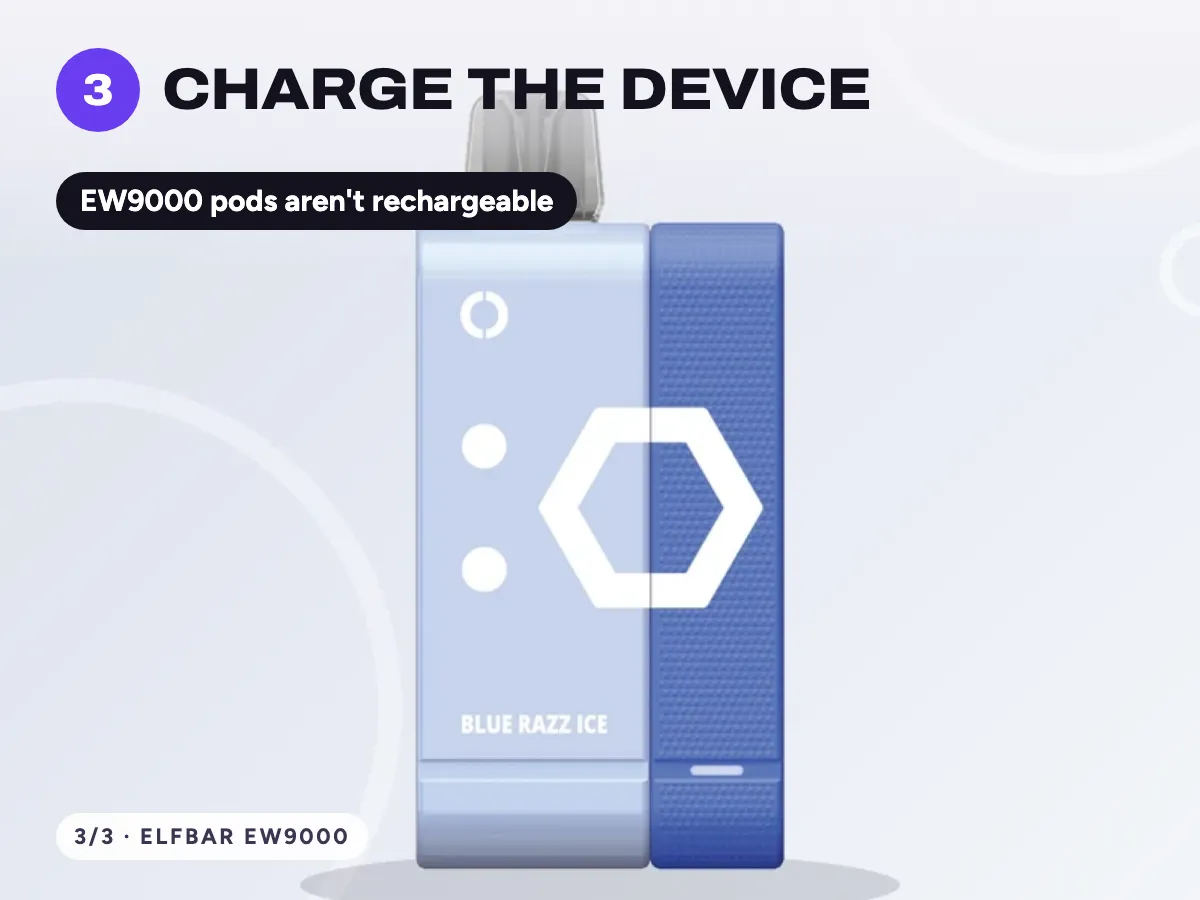
The EW9000 pod clips to a battery device. Charge the device, not the pod.
The EW9000 is a pod system. The pod works on its own with its built-in battery, or clipped to the EW9000 battery device. According to the EW9000 product page, the battery device holds 820 mAh, charges over USB Type-C, and shows its level in green, blue and red across three bands: 70–100%, 30–69% and less than 30%. When a pod runs out, you swap it and keep the device.
Charge it safely
ELFBAR devices run on lithium batteries, so a few habits matter, especially in UAE heat:
- Don't charge in a parked car, in direct sun or next to anything hot.
- Don't charge a device that's cracked, swollen, wet or leaking. Stop using it.
- Don't leave it charging overnight or unattended, and unplug it when it's full.
- Charge on a hard surface, not on a bed or sofa where it can't cool down.
- If it gets hot while charging, unplug it and let it cool before you touch it again.
When a device is finished, don't put it in household trash. ELFBAR says its devices must be disposed of at hazardous waste collection sites because of the lithium battery.
All ELFBAR devices contain nicotine, which is addictive, and they're for adults 18 and over only. New to ELFBAR? Start with how to use an ELFBAR for the first time, and browse more product guides.
Quick answers
Questions
Q1How do I know when my ELFBAR is fully charged?
The charging light changes or turns off when the battery is full. On models with a screen, such as the BC10000, the battery reading shows full. Unplug it then rather than leaving it connected, and don't leave it charging overnight.
Q2Can I use a phone charger for my ELFBAR?
Yes, if it has a USB Type-C cable that fits the port. ELFBAR's FAQ simply says to use a USB-C charger for rechargeable models. Use an adapter and cable in good condition, and charge away from heat on a hard surface.
Q3Why won't my ELFBAR charge?
First check that your model is rechargeable: the EP8000 and the EW9000 pod aren't. Then try another cable and power source, and make sure the plug is pushed fully into the port. If a new device still won't charge, contact us.