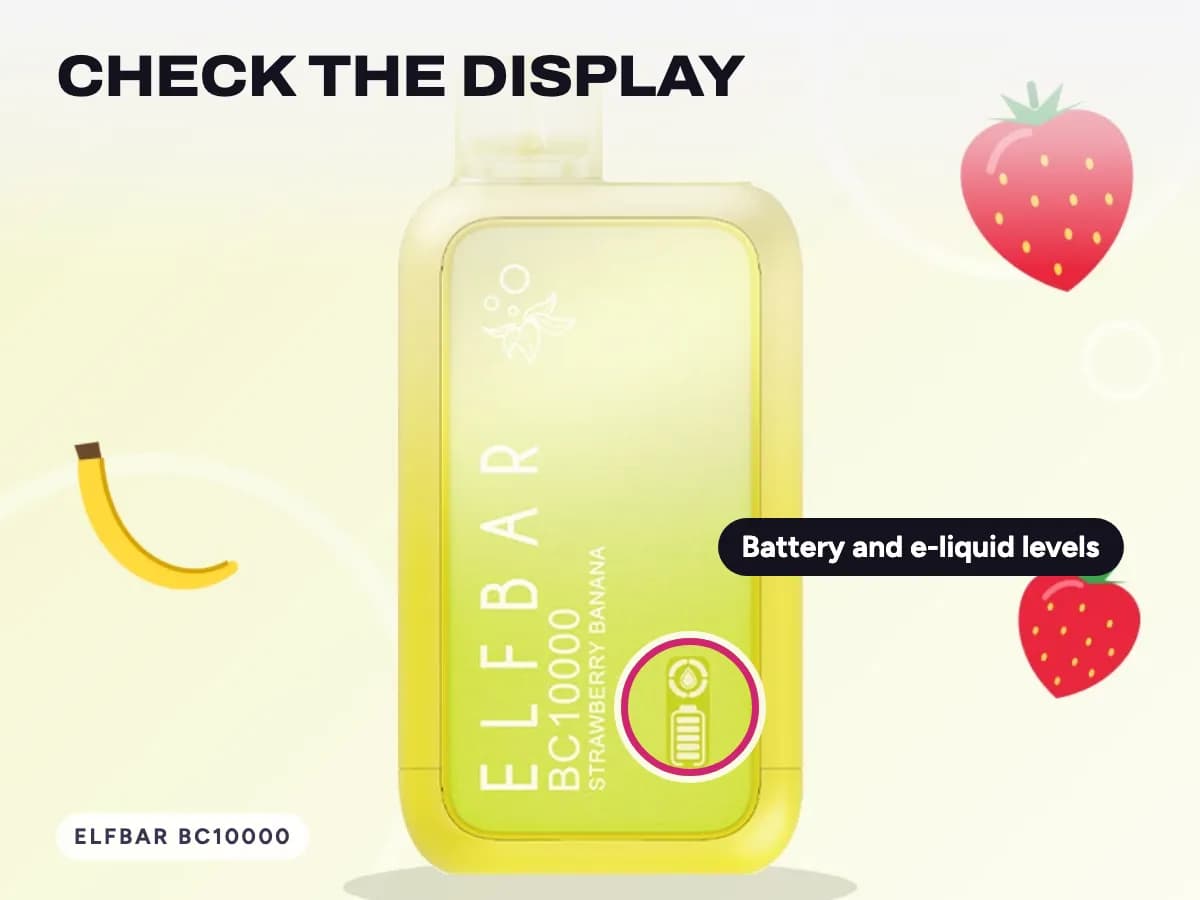
The ELFBAR BC10000 for beginners is simple to pick up if you're an adult who already smokes or vapes and is new to this device. It has no button and no settings: you inhale gently and the ELFBAR BC10000 disposable vape works. Its display shows battery and e-liquid levels, so you always know whether it needs a charge or is finished.
Below are the first days with one: unboxing, your first puff, picking a flavor and strength, looking after it in UAE heat and the mistakes new users make. The ELFBAR BC10000 guide has the full device rundown, and the BC10000 FAQ has quick one-line answers.
Is the ELFBAR BC10000 good for beginners?
It's for adults 18 and over who already use nicotine. The BC10000 contains nicotine, which is addictive, so it isn't a starting point for anyone who doesn't smoke or vape, and it isn't for anyone under 18. We don't make any health claims about it.
If you do already use nicotine and want something simple, the BC10000 makes sense for a few reasons:
- Nothing to set up: no button, no power modes, no airflow or cooling settings.
- It tells you what's going on. ELFBAR's BC10000 page describes a real-time display of e-liquid and battery levels.
- It lasts. It's a 10,000 puffs disposable vape in the "up to" sense: it holds 18 ml of pre-filled nicotine salt e-liquid, and long draws give fewer puffs.
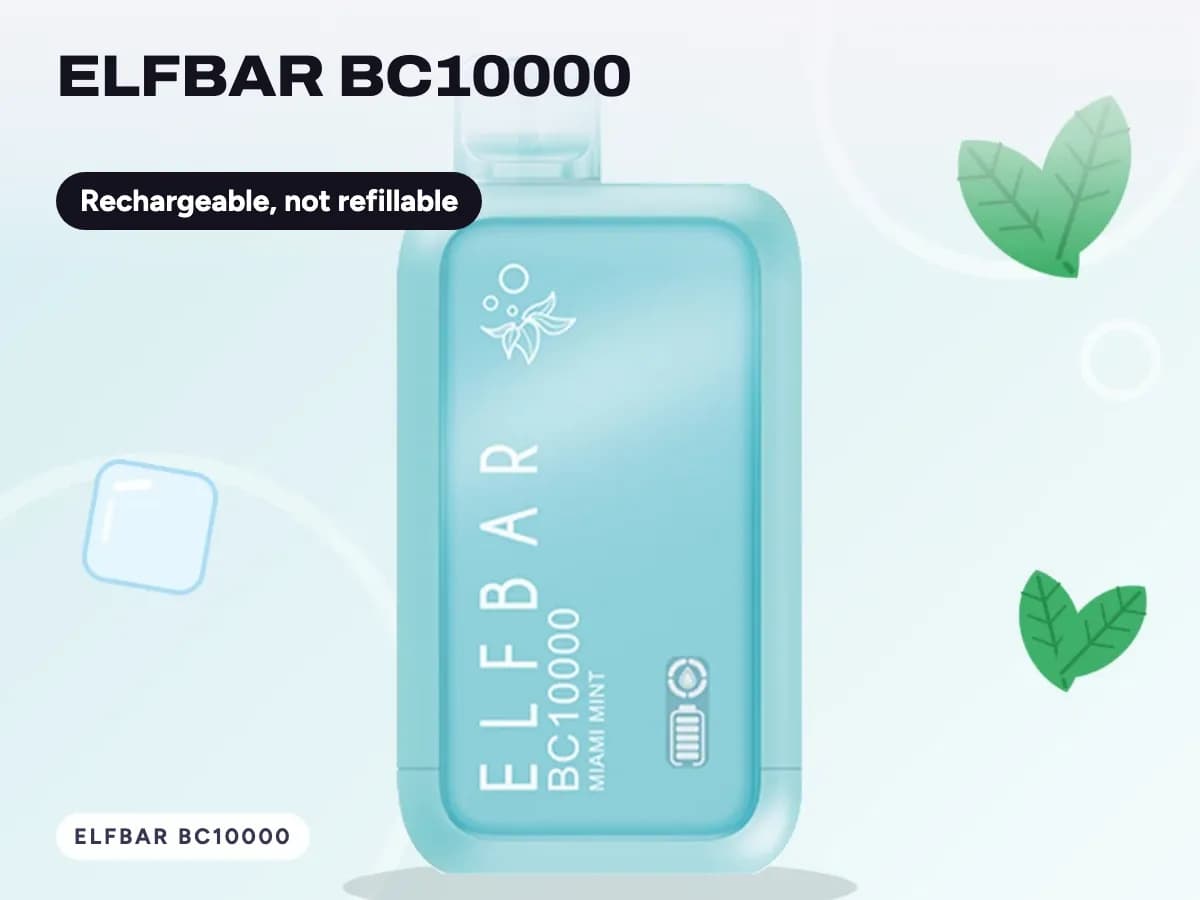
- It recharges. The 620 mAh battery charges over USB Type-C, so a flat battery doesn't end the device.
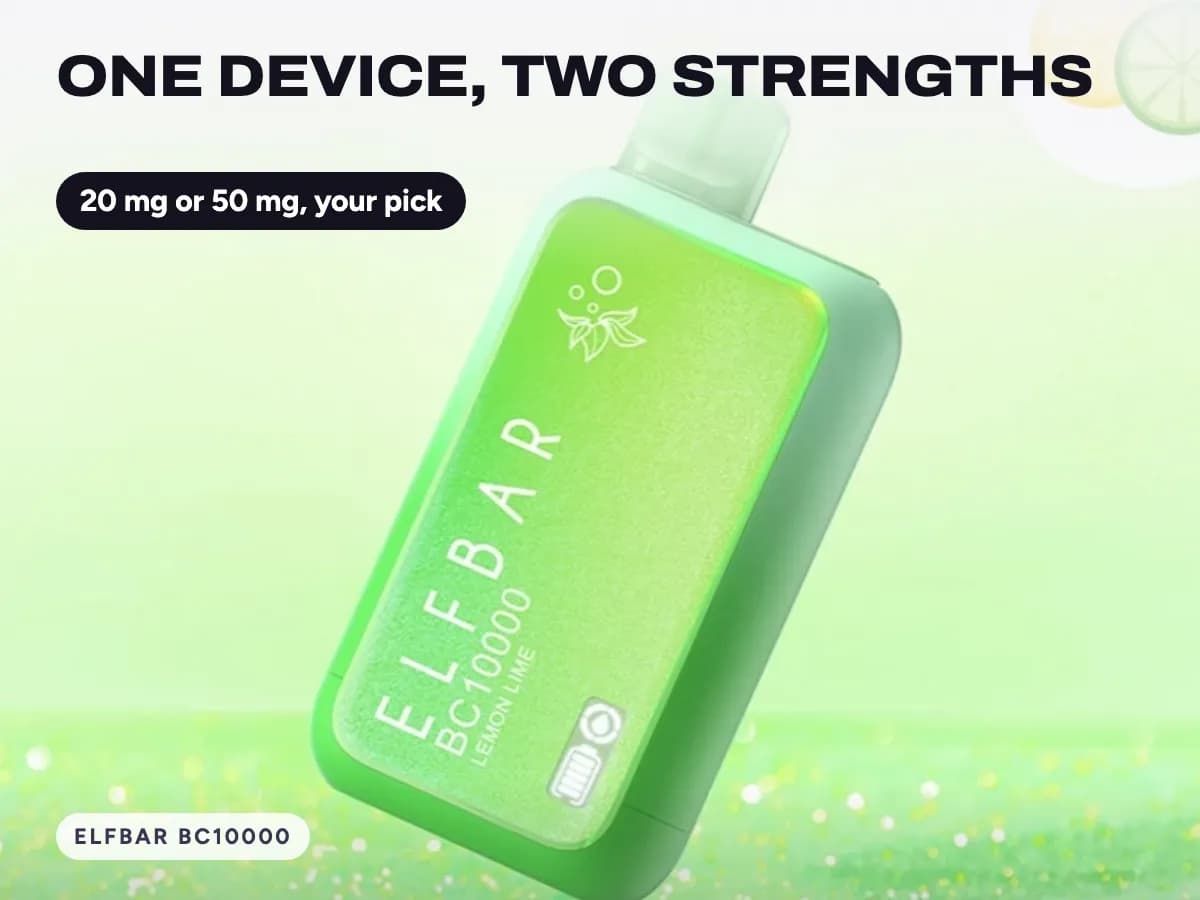
- You get a choice of strength: we sell every flavor in 20 mg or 50 mg.
If you'd rather have something smaller, our BC10000 vs BC5000 comparison sets the two side by side.
Unboxing: check it, unwrap it, look at the screen
Before your first puff, take a minute over three checks:
- Check the code. Find the security code on the box and verify it on ELFBAR's verification page. We sell genuine ELFBAR, and our genuine ELFBAR check shows what to look for.
- Unwrap it fully. Take off the wrapping and remove any caps or stickers from the mouthpiece and body.
- Look at the display. On the front, near the base, you'll see two readings: battery and e-liquid. A new device should show e-liquid. If the battery reading looks low, charge it first.
The box lists one device, so don't count on a charging cable inside. Any USB Type-C cable you already own will do.
Your first puff, step by step
There's no button to press and nothing to switch on. Here's how to take your first puff:
- Hold the BC10000 upright with the mouthpiece at the top.
- Close your lips around the mouthpiece.
- Inhale gently. ELFBAR says the BC10000 gives "a long-lasting and satisfying mouthfeel when inhaled gently or for a longer time", so there's no need to pull hard.
- Watch for the light. ELFBAR's UAE launch release describes a loop of light around the mouthpiece that glows on each puff.
- Pause before the next puff instead of taking several in a row.
Keep draws short and gentle. ELFBAR's FAQ says its puff counts are based on one-second draws, so long or frequent puffs use the 18 ml faster and give fewer puffs in total.
From the box to your first puff, in order.
Picking a flavor and strength
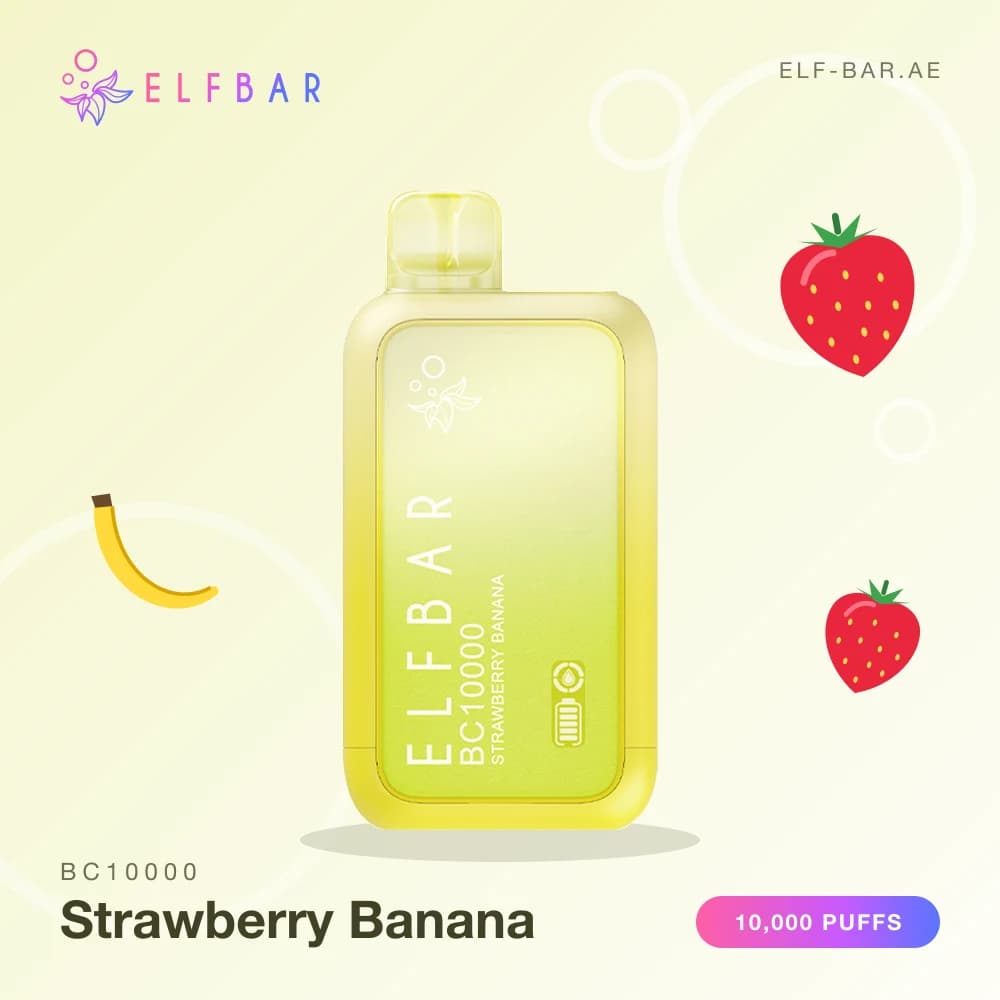
Flavor. The easiest way to choose is by sweetness and ice. If you're unsure, start in the middle: BC10000 Peach Ice pairs soft ripe peach with a crisp menthol exhale, medium on both counts. If you don't want ice, BC10000 Strawberry Banana is ripe strawberry with creamy banana. For something with no fruit and low sweetness, BC10000 Tobacco is a plain tobacco flavor with no ice. Cooling is fixed for each flavor, so choose the level of ice you want up front. Our guide to the best BC10000 flavors ranks all 21, or browse the full ELFBAR BC10000 flavors range.
Strength. You pick 20 mg (2%) or 50 mg (5%) on the flavor page, and the strength is marked on the pack. 50 mg/ml gives more nicotine per puff than 20 mg/ml. Both contain nicotine, which is addictive. Our BC10000 20 mg vs 50 mg guide covers the difference, including what mg/ml and percentages mean.
Looking after it: charging, heat and carrying
Charging. When the battery reading is low and there's still e-liquid left, plug a USB Type-C cable into the port on the base. Charge until the battery reading looks full, then unplug it, and don't leave it charging for long periods. Straight after charging, ELFBAR's Dry Hit Prevention may stop it firing for a moment, so wait briefly before your next puff.
Heat. In the UAE, a parked car or a sunny windowsill gets hot fast. Don't leave the BC10000 there. If it feels warm, let it cool before you charge it.
Carrying and storing. Keep it in a bag or pocket where it won't be crushed, and store it away from children and pets. Every BC10000 flavor comes sealed, so there's nothing to clean inside and nothing to open.
Mistakes new BC10000 users make
- Leaving caps or stickers on. If a new device won't fire, check for leftover packaging first.
- Chain puffing. Taking puff after puff without a break uses e-liquid fast. Give it a moment between puffs.
- Puffing straight after charging. Give it a few seconds, as Dry Hit Prevention may block the first try.
- Trying to refill it. It's pre-filled and sealed. ELFBAR's FAQ says that once the e-liquid is exhausted, the device should be disposed of.
- Charging an empty one. If the e-liquid reads empty, charging won't bring it back.
- Putting it in household trash. ELFBAR's FAQ notes that its devices contain lithium batteries, so take a finished one to a battery or hazardous-waste collection point instead.
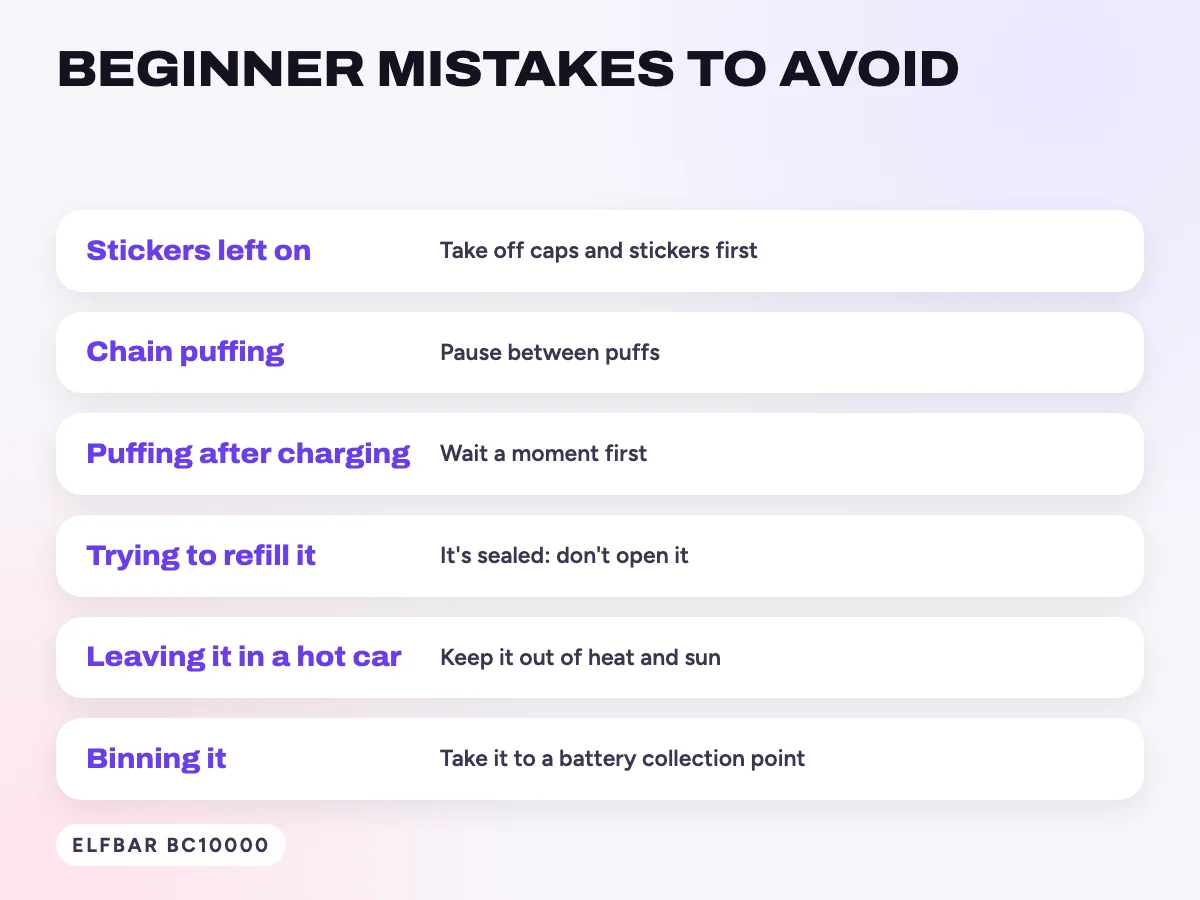
Six habits that cause most beginner problems.
Quick answers
Questions
Q1Do I need to charge a new BC10000 before using it?
Only if the battery reading looks low. Check the display first: if it shows charge, you can start right away. If it looks low, plug in a USB Type-C cable, charge until the battery reading looks full, then pause briefly before your first puff.
Q2Does the BC10000 have a button?
No. There's no button, no power modes and no airflow or cooling control. You simply inhale gently on the mouthpiece. The only things to watch are the battery and e-liquid readings on the display.
Q3Why does my new BC10000 taste burnt or weak?
Usually a cap or sticker is still on, or you've just charged it. Remove any leftover packaging and look at the display. If you've just unplugged it, give it a few seconds, then try a gentle puff. If it still tastes wrong, our BC10000 troubleshooting guide goes through each fix in order.
Q4How do I know when to replace it?
Watch the e-liquid reading. When it shows empty, the device is finished, even if the battery is full, and charging won't help. Take the used one to a battery collection point and start a new one.