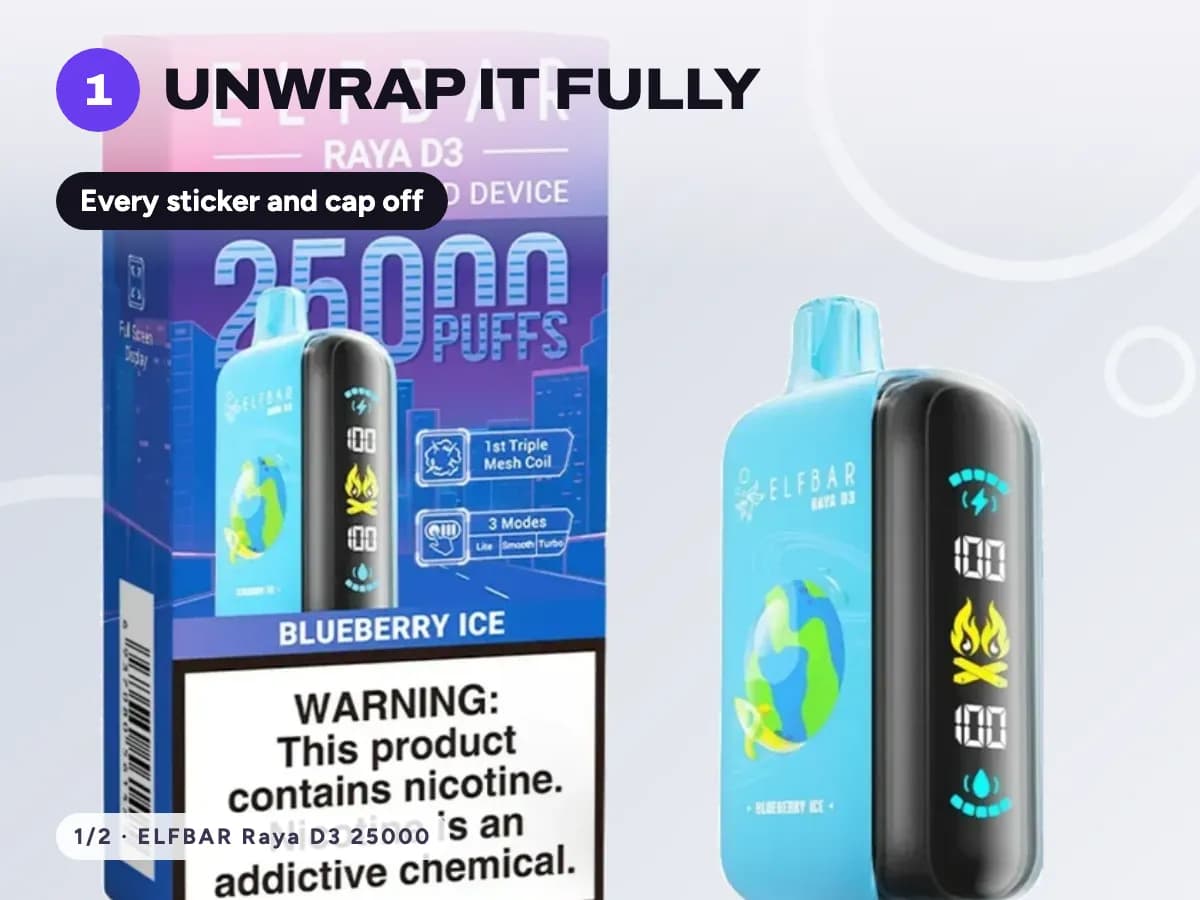
When a brand-new ELFBAR won't work, the cause is usually simple: a sticker or silicone cap still in place, a draw that's too hard, or airflow that's closed. Remove every seal from the mouthpiece and the base, take a gentle puff, and charge it if it has a USB Type-C port. If it still does nothing, contact us within 7 days of delivery.
Go through these checks in order before you decide the device is faulty. They take a few minutes in all:
- Remove every sticker, cap and seal.
- Take a gentle puff.
- Open the airflow and let the device reach room temperature.
- Charge it if it has a USB Type-C port.
- If it still won't work, contact us within 7 days of delivery.
Remove every sticker, cap and seal
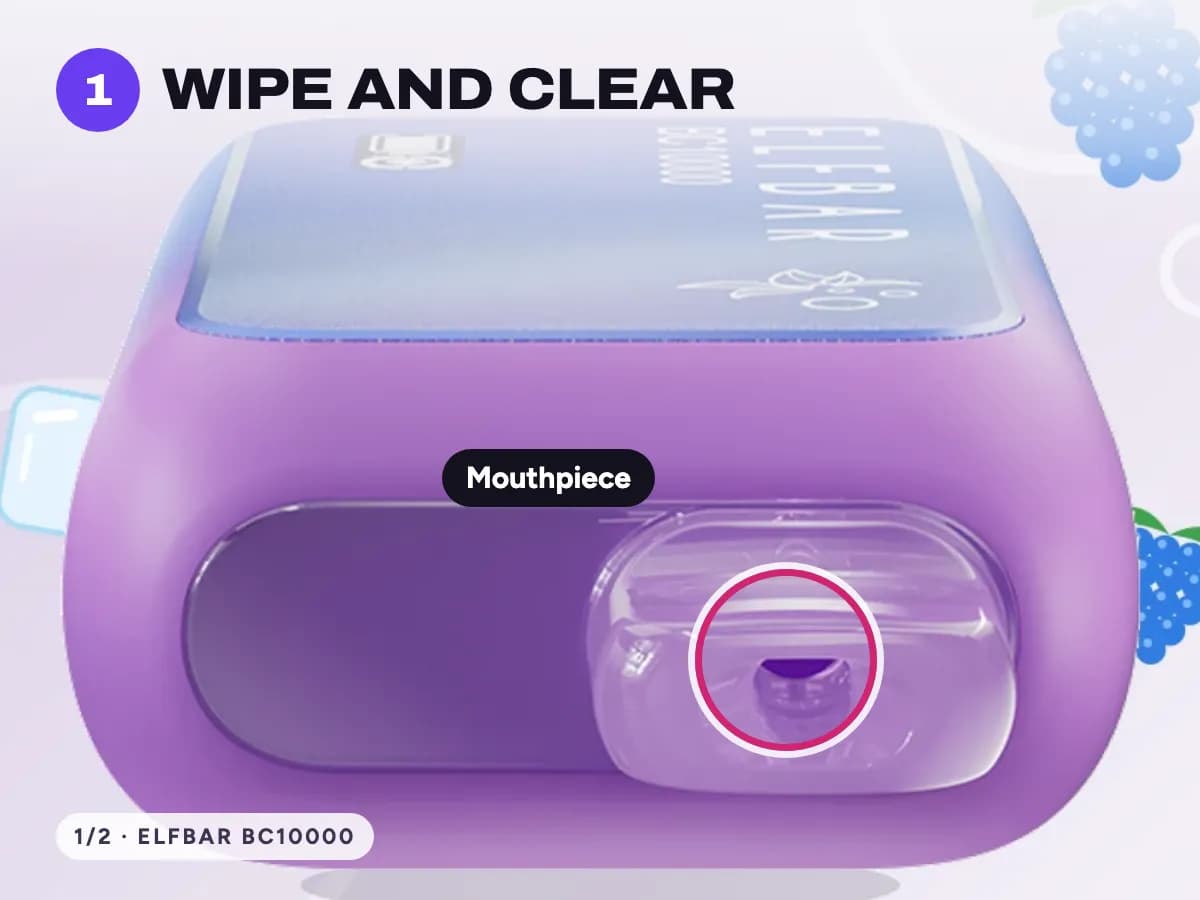
New ELFBARs ship with protective pieces that are easy to miss. A sticker or plug left over the airflow stops the sensor from detecting your puff, so the device does nothing.
- Pull off the silicone cap or plug on the mouthpiece.
- Check the base and the sides for clear or colored stickers, including any over small holes.
- Look inside the mouthpiece for a film or insert.
- Run a fingernail around the edges. Clear stickers are the ones people miss.
Puff gently
A hard, fast pull is the most common mistake with a new device. It can flood the airflow sensor and stop it firing. Take a soft, steady draw, like sipping through a straw, for a couple of seconds. Don't hold a single puff for more than about 8 to 10 seconds, because that can trip the safety cut-off. If you've never used one before, our first-time guide to using an ELFBAR walks through it.
If a hard first pull left the mouthpiece wet, blow gently into it, tap the device on your palm, and try again with a softer puff.
Check the airflow and the temperature
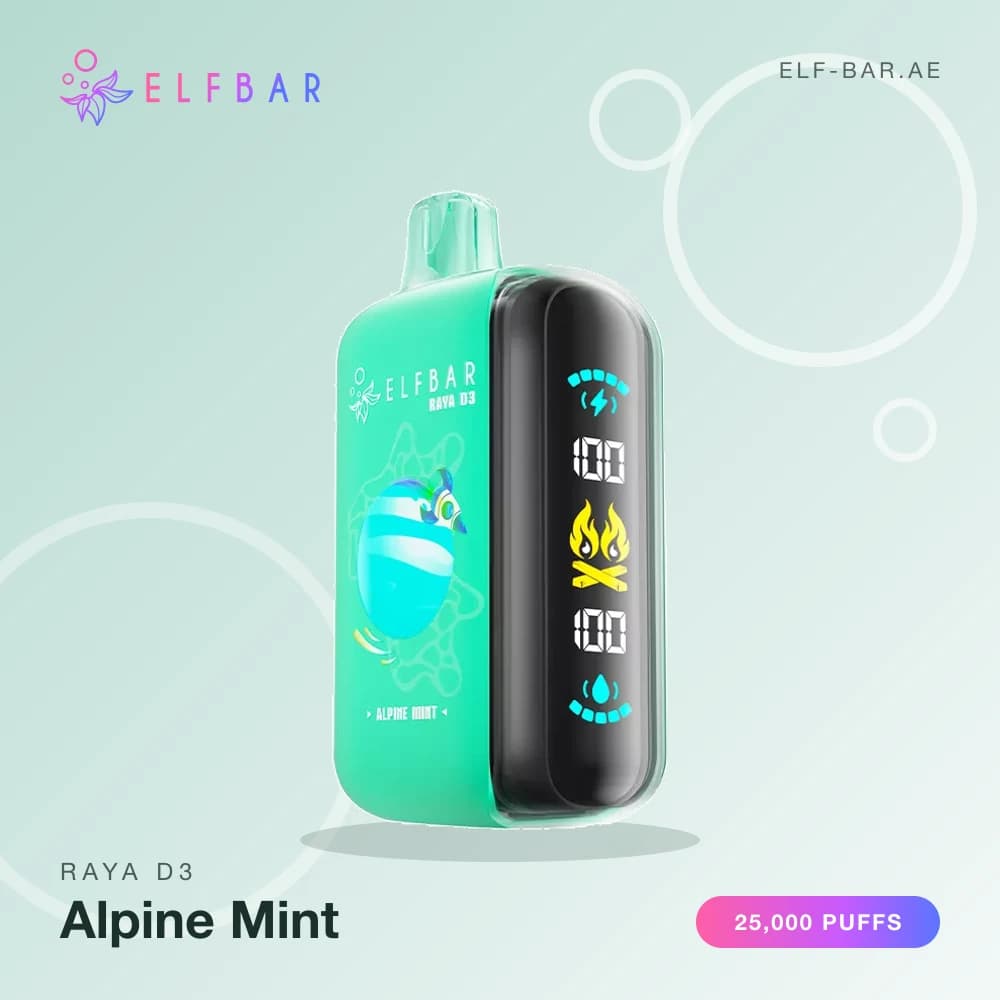
Some models have adjustable airflow, including the ELFBAR Raya D3 25000 and the ELFBAR Raya D3 Pro 30000. If the airflow is turned all the way down, the draw can feel blocked. Open it a little and try again.
Temperature matters too. A device delivered on a hot afternoon, or one that's been sitting under a cold air-conditioning vent, may not behave normally straight away. Leave it upright indoors at room temperature for a few minutes, then try again.
Give it a charge
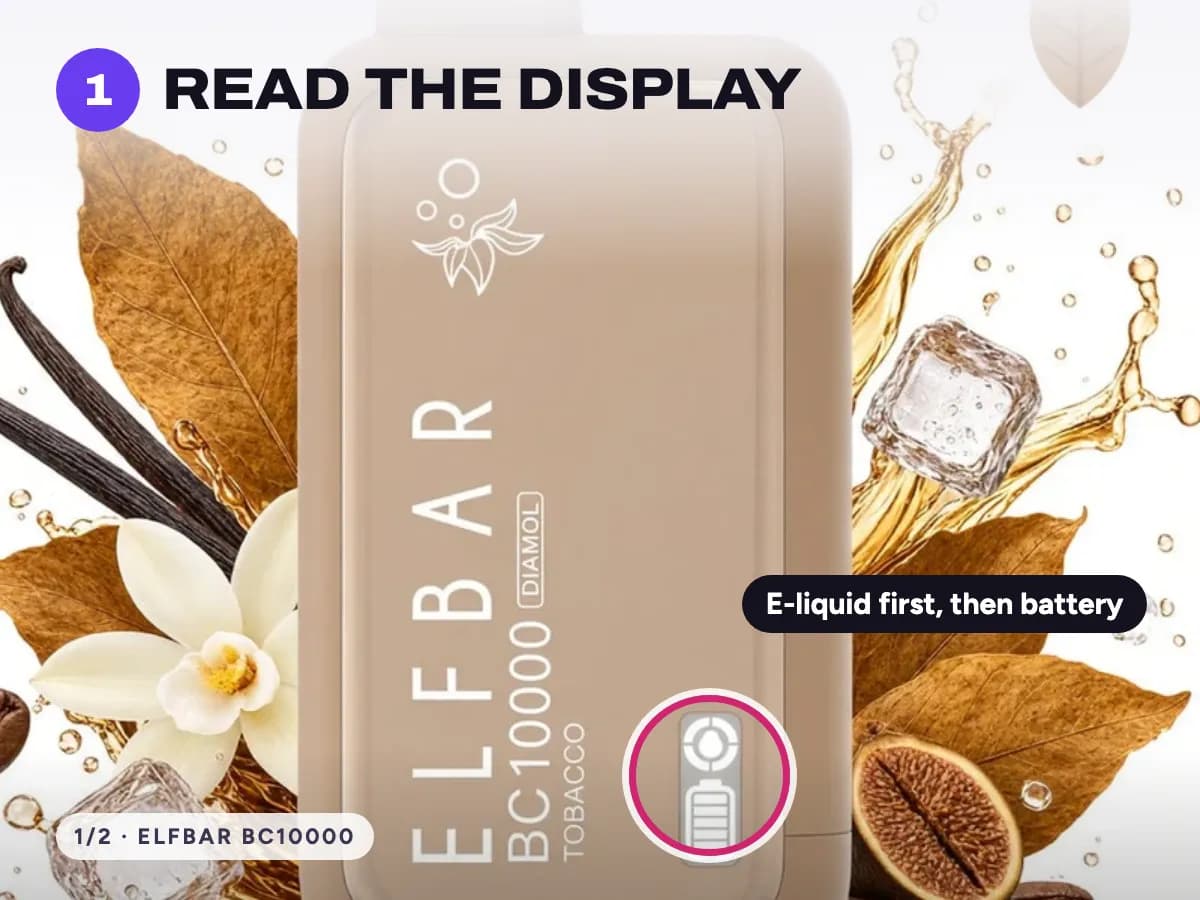
Rechargeable models have a USB Type-C port. They include the ELFBAR BC10000, Pi9000, Ice King 30000, Raya D3 25000, Raya D3 Pro 30000, Trio 40K, TE6000 and BC5000. Plug it in for a while with a cable and adapter you know work, then try again. That rules out a flat battery. Most take about an hour to charge fully.
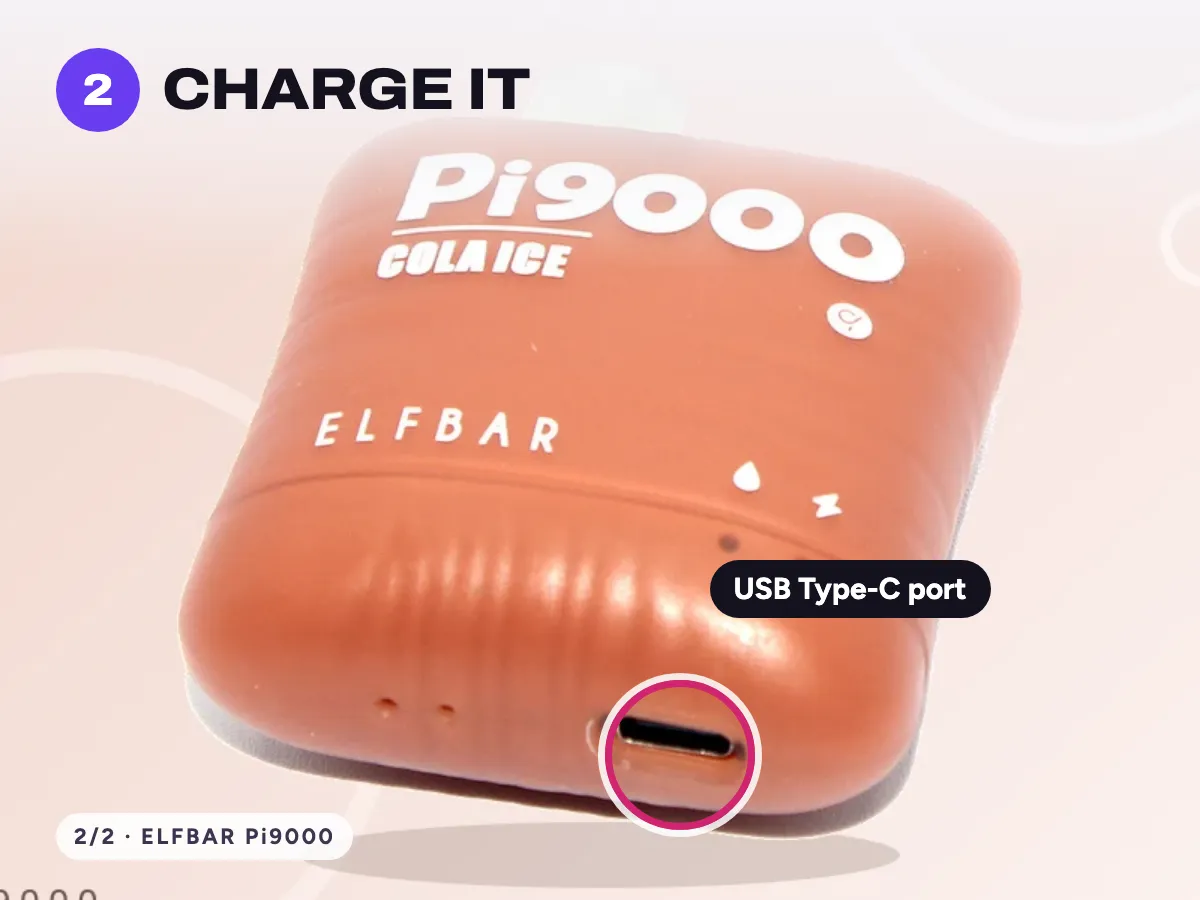
On a rechargeable model, plug in a USB Type-C cable to rule out a flat battery.
If nothing happens when you plug it in, check the cable, the power source and the port itself. Our guide to an ELFBAR that won't charge covers each one.
The ELFBAR EP8000 and the ELFBAR EW9000 prefilled pod can't be charged, so skip this step for those. If you're using an EW9000 pod with the battery device, the ELFBAR EW9000 pod guide shows how to fit it.
When to stop
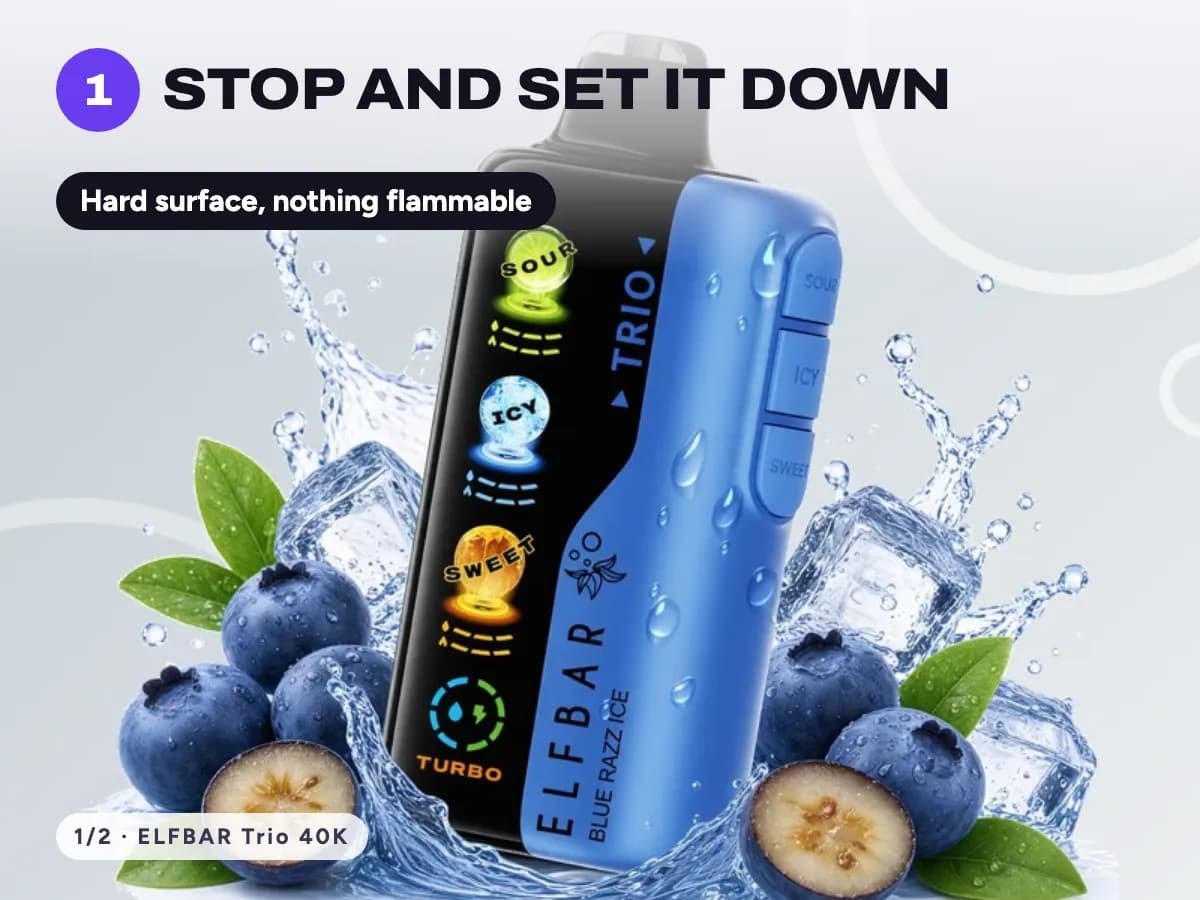
Don't keep trying if a new device shows any of these. Stop using it, unplug it if it's charging, and contact us:
- It lights up, crackles, makes vapor or gets warm when you aren't puffing. See what to do if an ELFBAR fires on its own.
- The body is swollen, cracked or leaking e-liquid.
- It tastes burnt from the very first puff.
- It smells of burning plastic.
Still not working? Contact us
Every device we sell is genuine ELFBAR and arrives sealed in its original box. If you bought one elsewhere and it doesn't work, it's worth checking the security code. Our guide on how to check an ELFBAR is genuine explains how to verify it on elfbar.com, ELFBAR's official website.
If you've removed every sticker and cap, puffed gently, opened the airflow and charged it, and it still won't work, contact us within 7 days of delivery. Have your order details ready, and keep the device and its box. Our returns policy for devices that arrive faulty explains how a replacement works.
Quick answers
Questions
Q1Why is my new ELFBAR not working?
Usually a sticker or silicone cap is still on, or the first puff was too hard. Remove every seal from the mouthpiece and base, take a gentle draw, and charge it if it has a USB Type-C port. If it still won't work, contact us within 7 days of delivery.
Q2Do new ELFBARs need charging first?
Try it first. If a new rechargeable model won't fire or the light blinks, charge it over USB Type-C for a while, which rules out a flat battery. The EP8000 and the EW9000 prefilled pod can't be charged, so if one of those won't work, contact us.
Q3Why is my new ELFBAR blinking?
On a new device, blinking usually means a flat battery or a puff that was too long or too hard. Charge it if it has a port, wait a moment, and take a short, gentle puff. If it keeps blinking once charged, contact us within 7 days of delivery.
Q4What if my new ELFBAR is faulty?
Contact us within 7 days of delivery with your order details, and keep the device and its box. Our returns policy explains how a replacement works. Don't keep using a device that gets hot, leaks or fires on its own.